
Timeline editing
Arrange video, audio, image, text, and composition clips across independent tracks.
Edit workspace
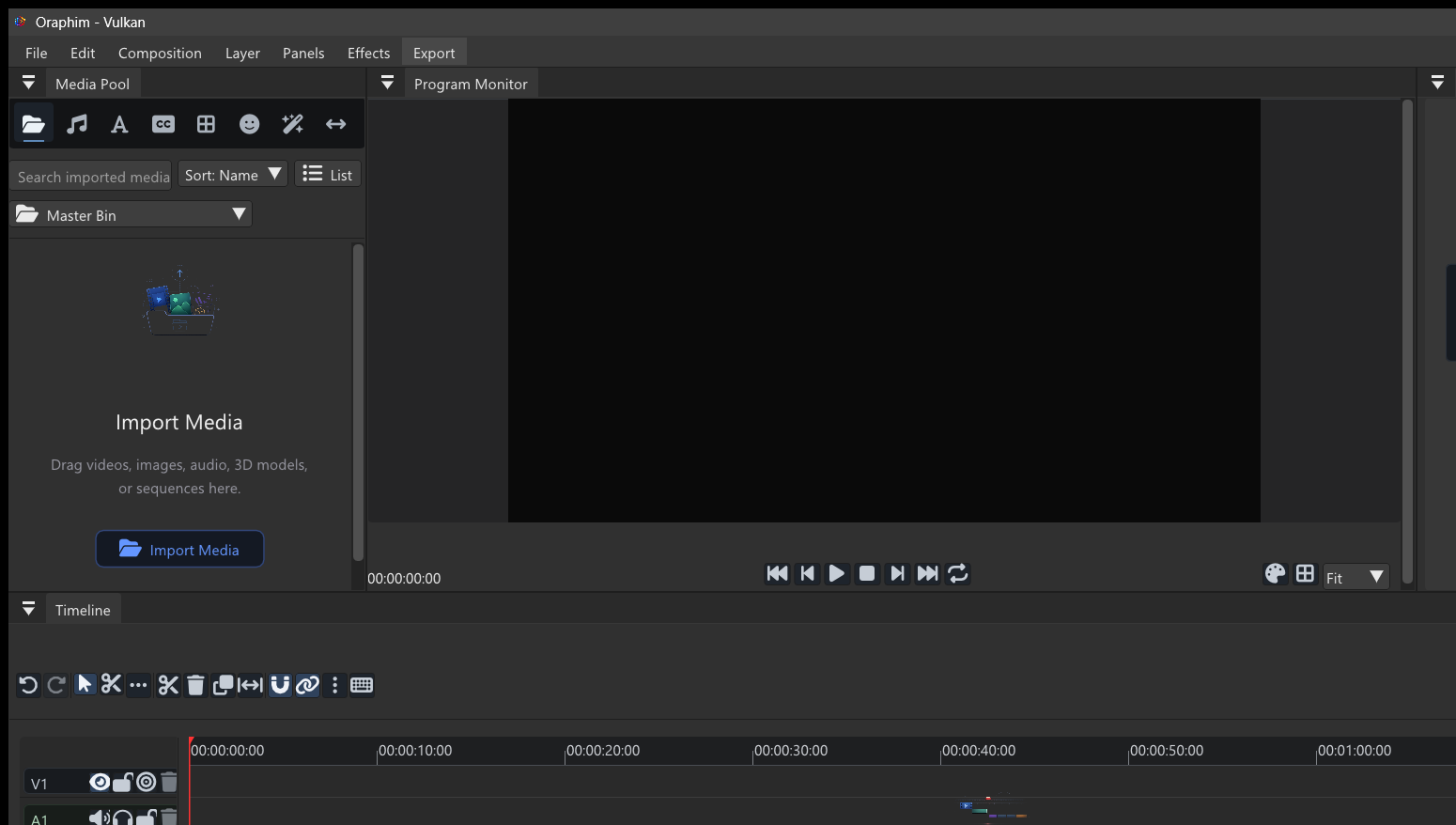
Oraphim's Edit workspace brings media organization, clip trimming, transitions, effects, audio controls, captions, and composition clips into one timeline workflow.
Capability
Arrange video, audio, image, text, and composition clips across independent tracks.
Split, trim, ripple-delete, move, duplicate, and inspect clips without leaving the edit.
Add transition clips between edits and build non-destructive effect stacks.
Generate, edit, style, burn in, or export timed captions from the active sequence.
Workflow