
Audio
Audio in Edit
Use audio in edit in Oraphim with a production-safe workflow, practical example, verification steps, and common failure checks.
Updated August 28, 2026Audio in the Edit workspace
Oraphim's V1 audio workflow lives inside Edit rather than a separate audio workspace.
Visual reference
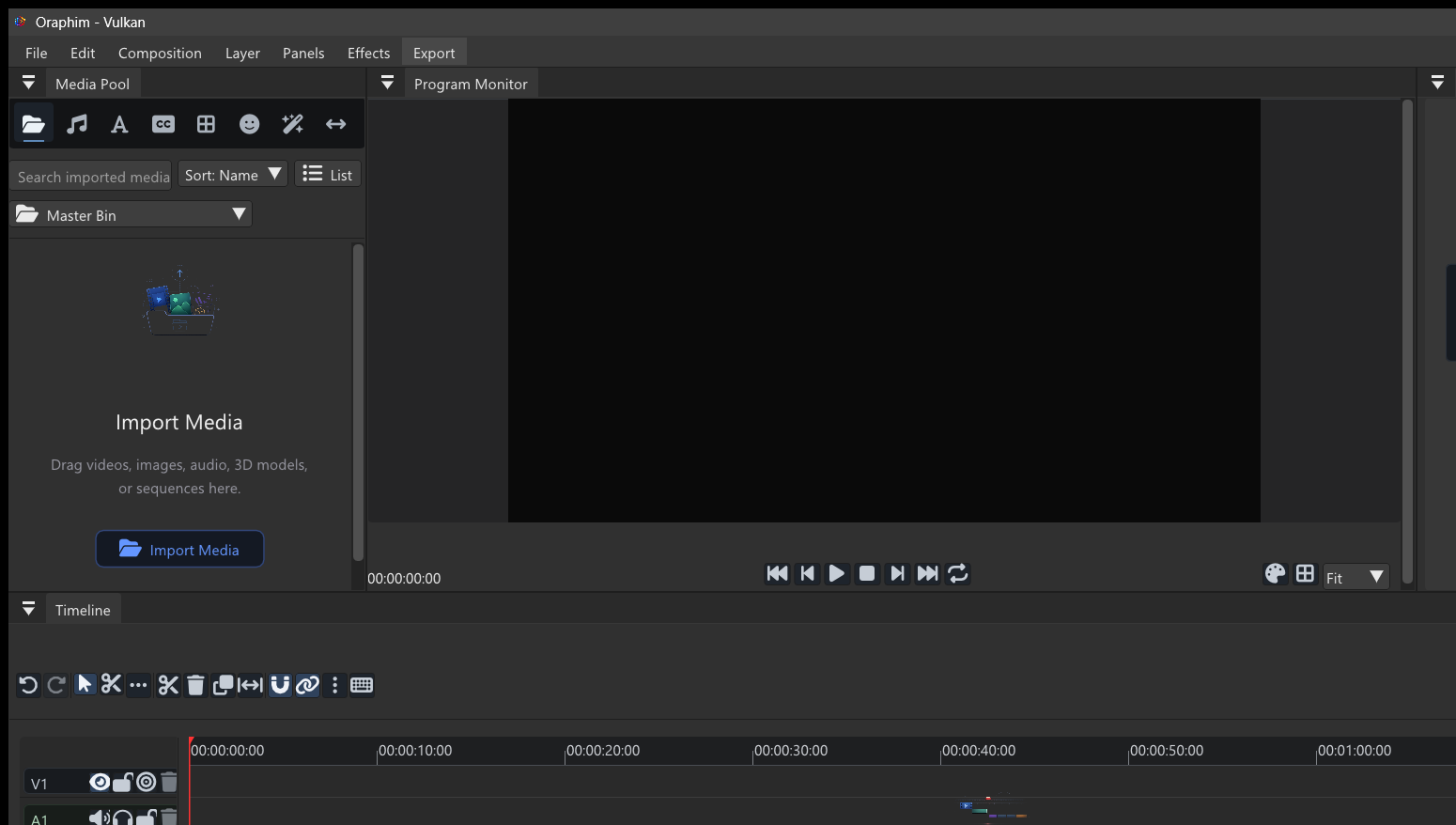
Audio work stays connected to picture timing; make level, cleanup, fade, and effect decisions while listening through the actual edit.
Clip controls
Select an audio clip to adjust gain, volume, pan, balance, and normalization controls exposed by the clip Inspector. Audio clips can be trimmed, split, duplicated, moved, muted, or removed like visual clips.
Tracks
Audio tracks provide mute, solo, lock, targeting, naming, and color controls. Waveforms give timing feedback once analysis is available.
Fades and automation
Use clip fade handles and supported volume keyframes to shape entrances, exits, and level changes.
Export
Audio is mixed with the active sequence for video exports. WAV export is available for an audio-only deliverable.
How to use this section
Start in Edit / Audio controls with clip, audio track, or mix context. Use this section to understand the Audio workflow before jumping into isolated controls.
Read the overview first, then move into the specific task page that matches what you are trying to produce or fix. Oraphim panels are context-sensitive, so keep the intended clip, layer, node, track, or project resource selected while following a procedure.
Guides in this section
- Automation
- Dynamics
- Audio Effects
- Equalization
- Export
- Fades
- Loudness
- The Mixer
- Mute
- Pan
- Routing
- Solo
- Tracks and Buses
- Tracks
- Volume
- Waveforms
Section-level verification
Listen through the complete affected section and check meters as well as perceived balance. For project-changing operations, save a milestone and reopen it before relying on the setup as a reusable production workflow. For anything that affects delivered pixels or audio, inspect a rendered file as well as the interactive viewer.