
Step-by-step projects
Edit a podcast episode
Use edit a podcast episode in Oraphim with a production-safe workflow, practical example, verification steps, and common failure checks.
Updated August 28, 2026Edit a podcast episode
- Import the camera files, master audio, intro music, logo, and supporting images.
- Put the primary camera on V1 and the main dialogue on A1.
- Build the conversation first: remove false starts, long dead space, and unusable sections.
- Add alternate angles or supporting visuals on higher tracks to cover visual jumps.
- Add an editable intro title and lower thirds through Composition.
- Generate or enter captions, then correct names and technical words manually.
- Balance dialogue before music. Use fades at every music boundary and leave headroom.
- Watch the entire episode at increased speed for visual problems, then recheck critical sections at normal speed.
- Export a short review, fix issues, and render the final MP4.
Verification
Check sync, edits at sentence boundaries, caption accuracy, consistent voice level, music under speech, and the exact start and end frame.
Project method
Use this project to practice edit a podcast episode as a complete Oraphim workflow.
- Define the intended duration, aspect ratio, frame rate, and final delivery before detailed styling.
- Import and organize only the media needed for this exercise, then build the main timing in Edit.
- Add Composition, Color, VFX/3D, audio, or AI operations only when the result requires them. Keep each stage editable until the timing is approved.
- Save a named milestone before the heaviest creative/technical pass.
- Export a short review, watch it outside Oraphim from beginning to end, fix visible/audible issues, then create the final range.
Project QC
Check the opening and ending frames, editorial rhythm, text spelling and safe areas, color consistency, audio transitions/levels, effect edges, first/last-frame behavior, dimensions, duration, and filename. If the project contains 3D, tracking, masks, AI processing, simulations, or a complex graph, save/reopen before final export to prove the authored state survives persistence.
Continue learning
Example project and visual checkpoint
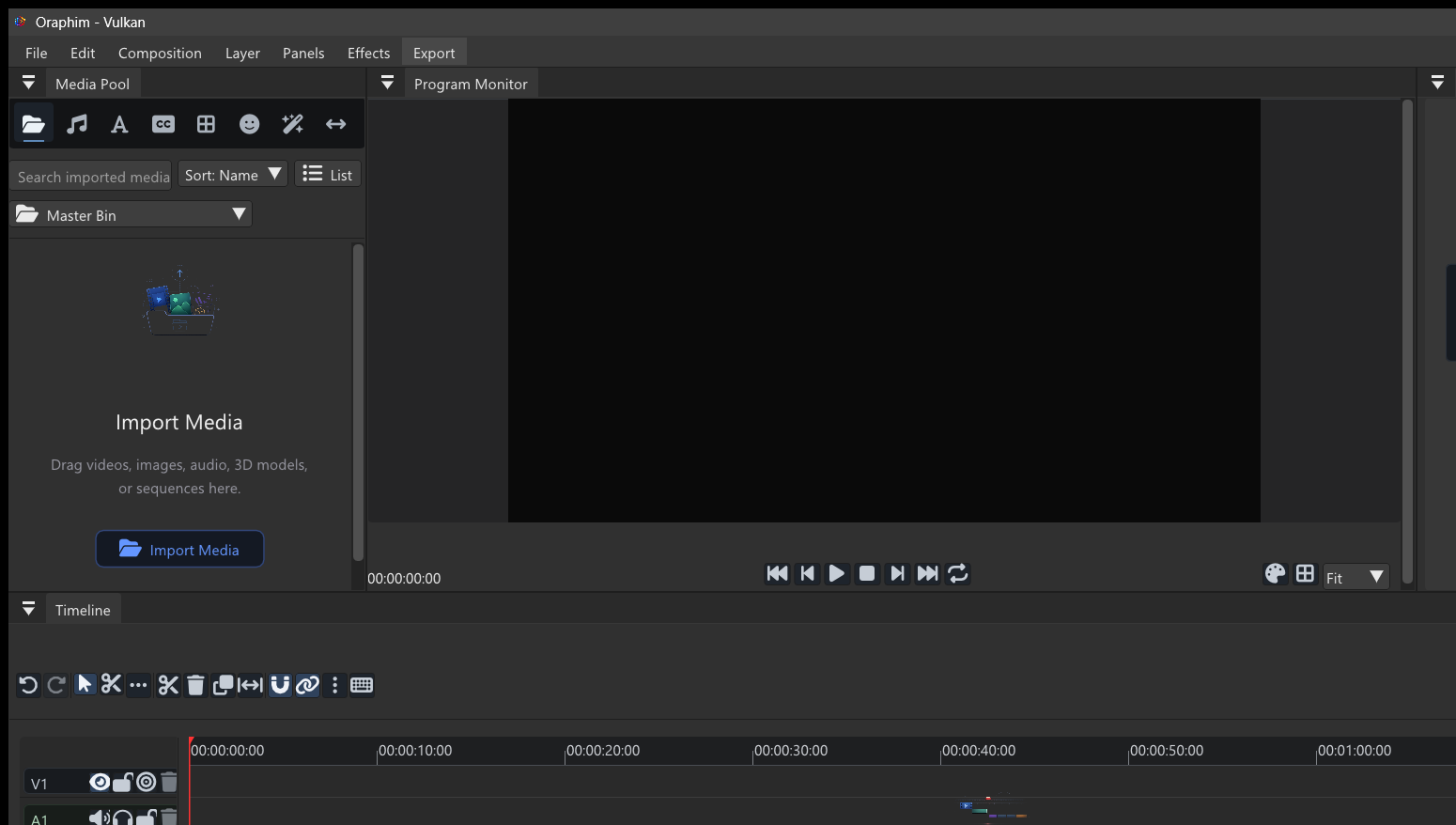
Use a three-to-five-minute dialogue sample. Remove one false start, tighten a long pause, smooth the edit with room tone or a natural cut, set clip gain before heavier processing, and use cleanup/compression/limiting conservatively. Remember that Oraphim’s Normalize control is peak normalization, not LUFS loudness matching.
Quality check: play or preview the finished section at normal speed, inspect one representative frame at useful zoom, and confirm that the result still works after reopening the project. If the tutorial ends in delivery, export a short test before committing to the final render.