
Motion graphics
Motion graphics
Build editable text, shapes, keyframes, procedural systems, particles, trails, lightning, fire, and reusable compositions inside Oraphim.
Updated August 28, 2026Motion graphics
Oraphim motion graphics live primarily in the Composition workspace, where text, shapes, layers, effects, keyframes, curve editing, 2D/3D transforms and procedural systems can remain editable in the same project as the cut.
Visual reference
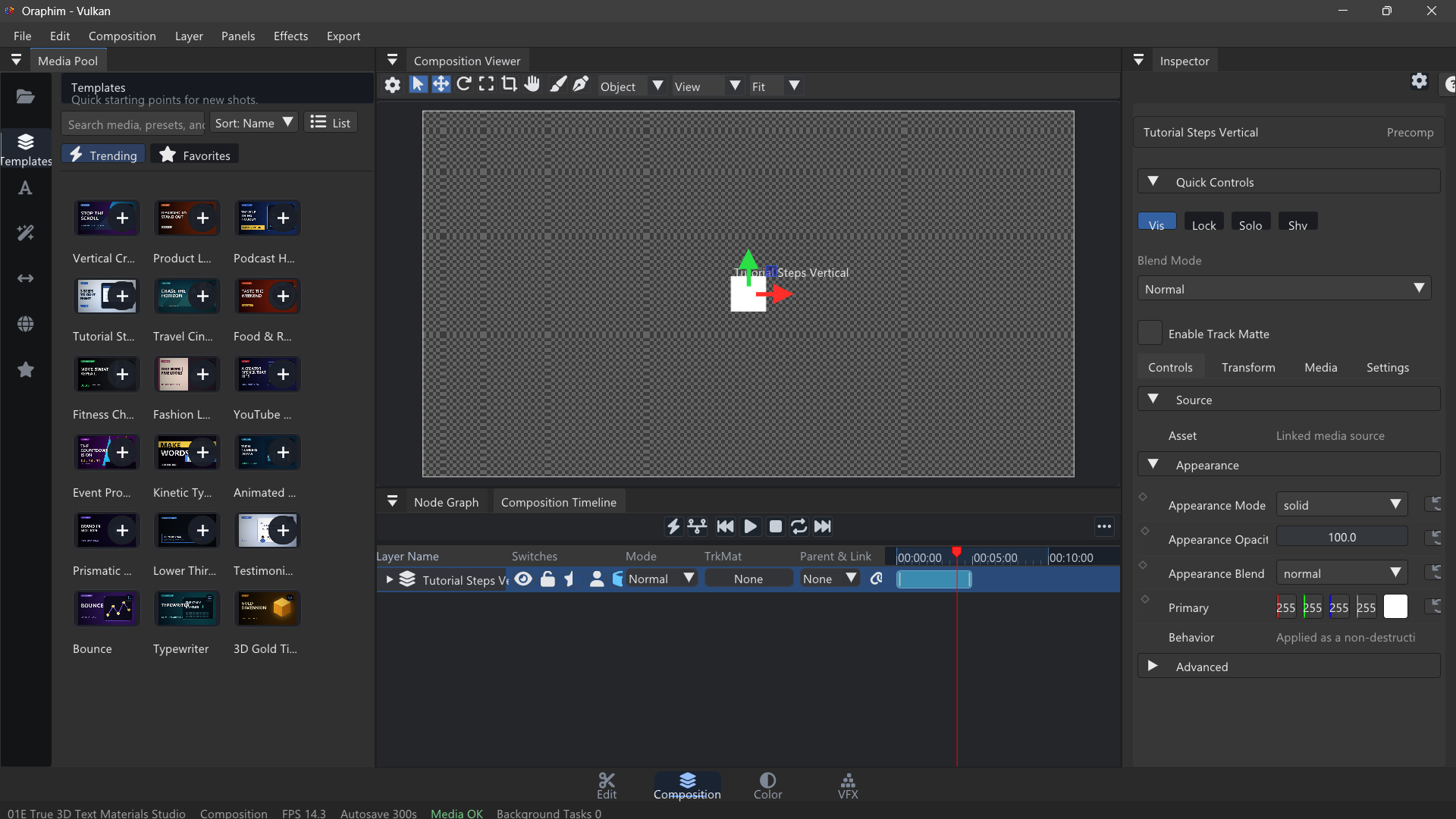
Motion-graphics work stays editable because text, shapes, effects, transforms, and timing remain inside the composition.
Recommended learning path
- Text and Shapes — create the visual elements.
- Animation and Keyframes — establish timing and motion.
- Keyframes — refine interpolation/easing and reveal only the properties you need.
- Templates — start from reusable authored structures without flattening the result.
- Procedural Systems, Particles, Trails, Lightning, and Fire for more complex looks.
A strong motion-graphics workflow
Build hierarchy and timing before polish. Make the title readable in a still frame, animate the minimum number of properties needed for the idea, refine curves, then add glow/blur/distortion/particles only after the motion works. This keeps the composition fast to iterate and easier to revise.
Verify
Preview from before the first animation through after the last, inspect motion at full speed, check text spelling/safe areas, save/reopen the project, and render a short review. Reusable graphics should survive a project reopen with editable layers/properties intact.