
Step-by-step projects
Create a VFX composite
Combine footage, an isolated foreground, procedural treatment, and a verified render.
Updated August 28, 2026Create a VFX composite
Goal
Build a shot where a graphic or procedural effect appears behind or around a subject while the original footage remains editable.
- Add the source shot to an Edit timeline and create or open a matching composition.
- In Composition, place the source as the background layer.
- Duplicate or isolate the subject with a mask or Magic Mask workflow when separation is required.
- Build the graphic, glow, particles, or procedural element on its own layer or node branch.
- Place the isolated subject above the effect so depth reads correctly.
- Animate the effect and any masks through the complete shot range.
- Move to VFX only when the shot needs stage, simulation, procedural-object, or advanced render controls.
- Test a short low-quality range, then increase quality only after motion and timing are correct.
- Return the composition to Edit and render a review file.
Verification
Inspect edges frame by frame, watch for mask chatter, confirm that the effect follows camera or subject motion, and review the rendered file—not only the interactive viewer.
Example project and visual checkpoint
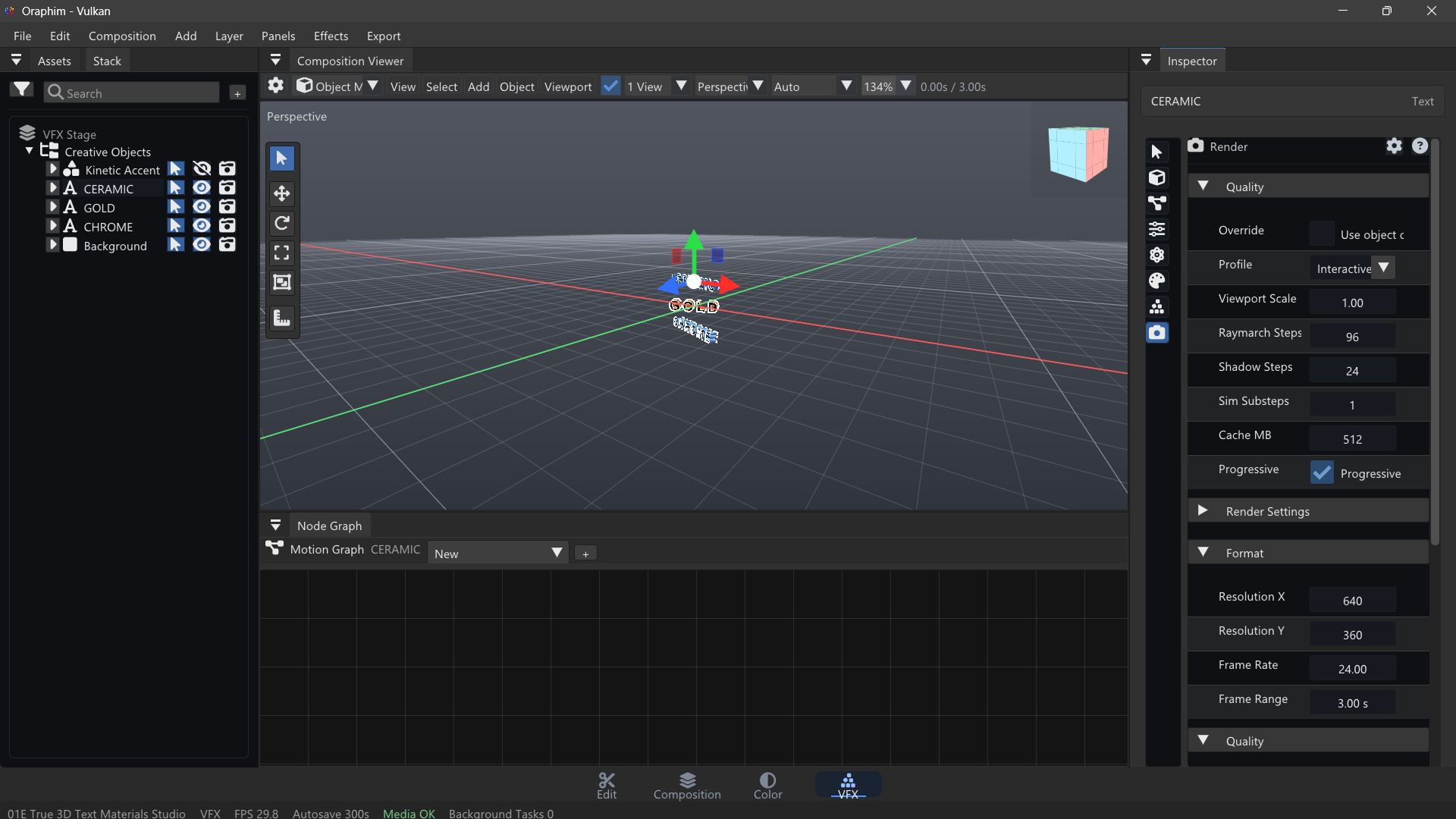
Use a five-second plate and add one synthetic element or treatment. Build the composite in passes: isolate the area, establish placement and motion, match blur/noise/color/light response, then review the composite at 100% and in motion. A convincing result usually comes from integration details rather than stacking more effects.
Quality check: play or preview the finished section at normal speed, inspect one representative frame at useful zoom, and confirm that the result still works after reopening the project. If the tutorial ends in delivery, export a short test before committing to the final render.
Integration checklist
Before calling the composite finished, compare it with the untreated plate. Check edge softness, motion, perspective, grain or texture, black level, highlight response, and any contact shadow or light interaction the shot needs. Then watch the whole shot rather than judging a single hero frame. Small mismatches that disappear on a still often become obvious once the image moves.