
Compositing
Masks and Magic Mask
Create vector masks or generate and refine subject masks with native AI tools.
Updated August 28, 2026Masks and Magic Mask
Masks control which parts of a layer remain visible or which region receives an operation.
Visual reference
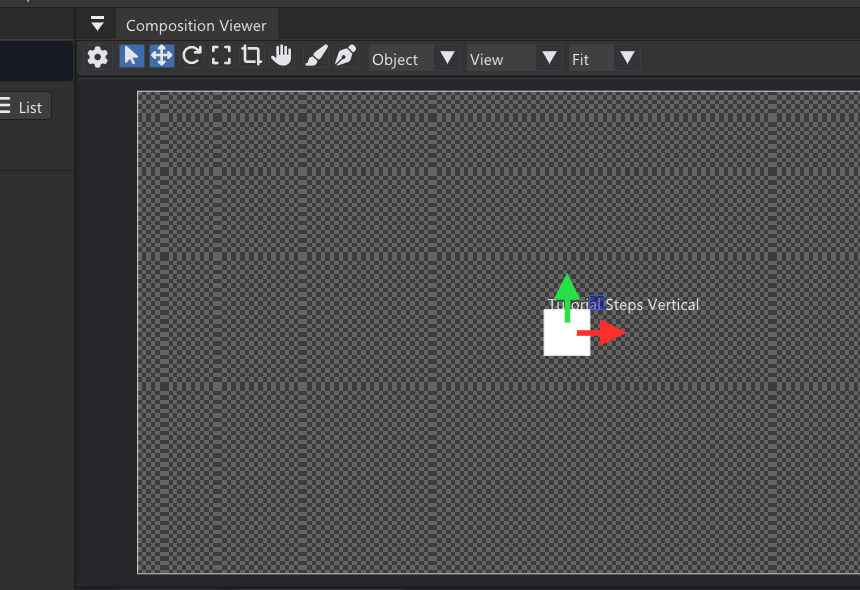
Draw and inspect masks against the actual pixels at useful zoom; edge quality is easier to judge than from controls alone.
Vector masks
Use the Pen tool to place points. A path remains open until you intentionally close it by returning to the first point. Mask controls include operation, opacity, inversion, and supported edge refinement.
Mask operations
Multiple masks can add, subtract, intersect, or invert coverage. Select a mask before editing its points so a new path does not continue the previous one.
Magic Mask
Magic Mask uses managed native ONNX inference to segment a prompted subject. Video clips can propagate tracked masks across frames; single-frame images expose still-image mask tools without temporal controls.
Content Aware Fill
A generated or vector mask can define a region for Content Aware Fill or Remove Object. Preview the result before committing it and keep the original source available for undo and project reload.
Performance
Model loading and frame processing run in background tasks. The first use can require a model download and validation.
Mask example
Suppose a correction should affect only a bright sign behind a subject. Draw a mask around the sign, feather just enough to hide the boundary, and animate or track its position only if the sign or camera moves. Preview the matte at the beginning, middle, and end of the shot. For subject-shaped selections, Magic Mask can provide an AI-assisted starting mask, but the same edge-quality checks still apply.