
Step-by-step projects
Build an editable lower third
Create a reusable name-and-role graphic with shapes, text, and keyframe animation.
Updated August 28, 2026Build an editable lower third
Goal
Create a short composition with a background plate, a name, a role, and a clean entrance and exit.
- Open Composition and create a composition that matches the edit timeline.
- Add a rectangle or shape layer for the background.
- Add one text layer for the person's name and another for the role or company.
- Use the Inspector to set typography, color, spacing, and alignment.
- Place the group inside the lower safe area and keep margins consistent.
- At the first frame, set position slightly off-screen and opacity to zero.
- Move forward several frames, set the final position and full opacity, and adjust easing.
- Reverse the idea near the end for the exit.
- Return to Edit and place the composition above the interview clip.
Make it reusable
Use clear layer names, keep text editable, and avoid baking the name into an image. Duplicate the composition for another speaker and change only the content.
Verify it
Watch the entrance at normal speed, pause on the readable state, check title-safe margins, and confirm that the exit finishes before the composition clip ends.
Example project and visual checkpoint
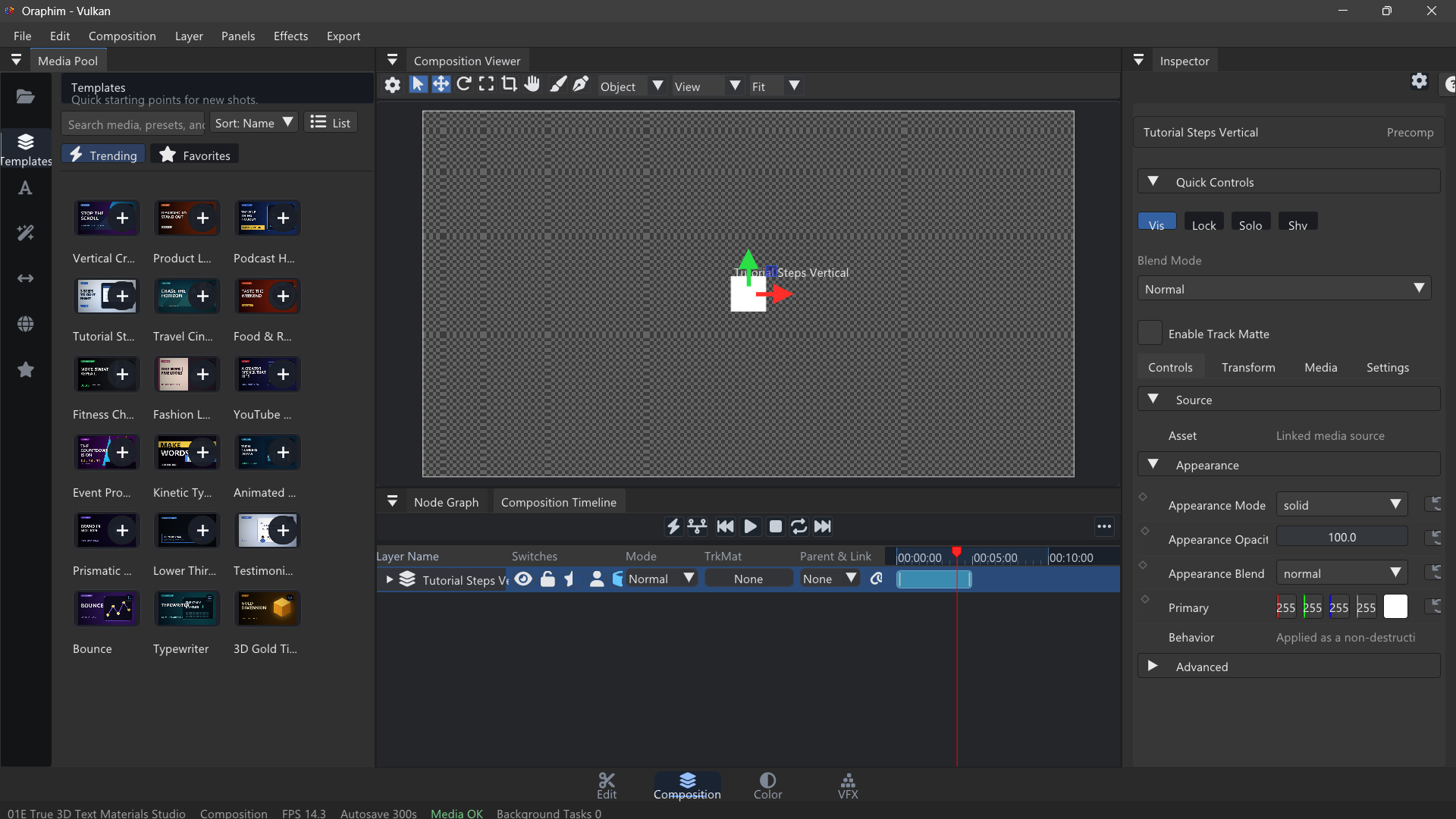
Build a lower third for a fictional interview: a name line, a role line, and one simple shape accent. Keep text and shape layers separate, animate the entrance and exit with a small number of intentional keyframes, test the graphic over both bright and dark footage, and preserve editability instead of baking the title into a video file.
Quality check: play or preview the finished section at normal speed, inspect one representative frame at useful zoom, and confirm that the result still works after reopening the project. If the tutorial ends in delivery, export a short test before committing to the final render.