
Step-by-step projects
Step-by-step projects
Learn Oraphim entirely from written, step-by-step editing, motion, color, audio, AI, 3D, and procedural VFX projects with verification checklists.
Updated August 28, 2026Step-by-step projects
Every project in this section is self-contained: the written instructions, example settings, expected result, and QC checks are enough to complete it from start to finish. Each tutorial starts with the intended result, identifies the workspaces you need, gives a build order, and ends with a verification/QC pass.
Visual reference
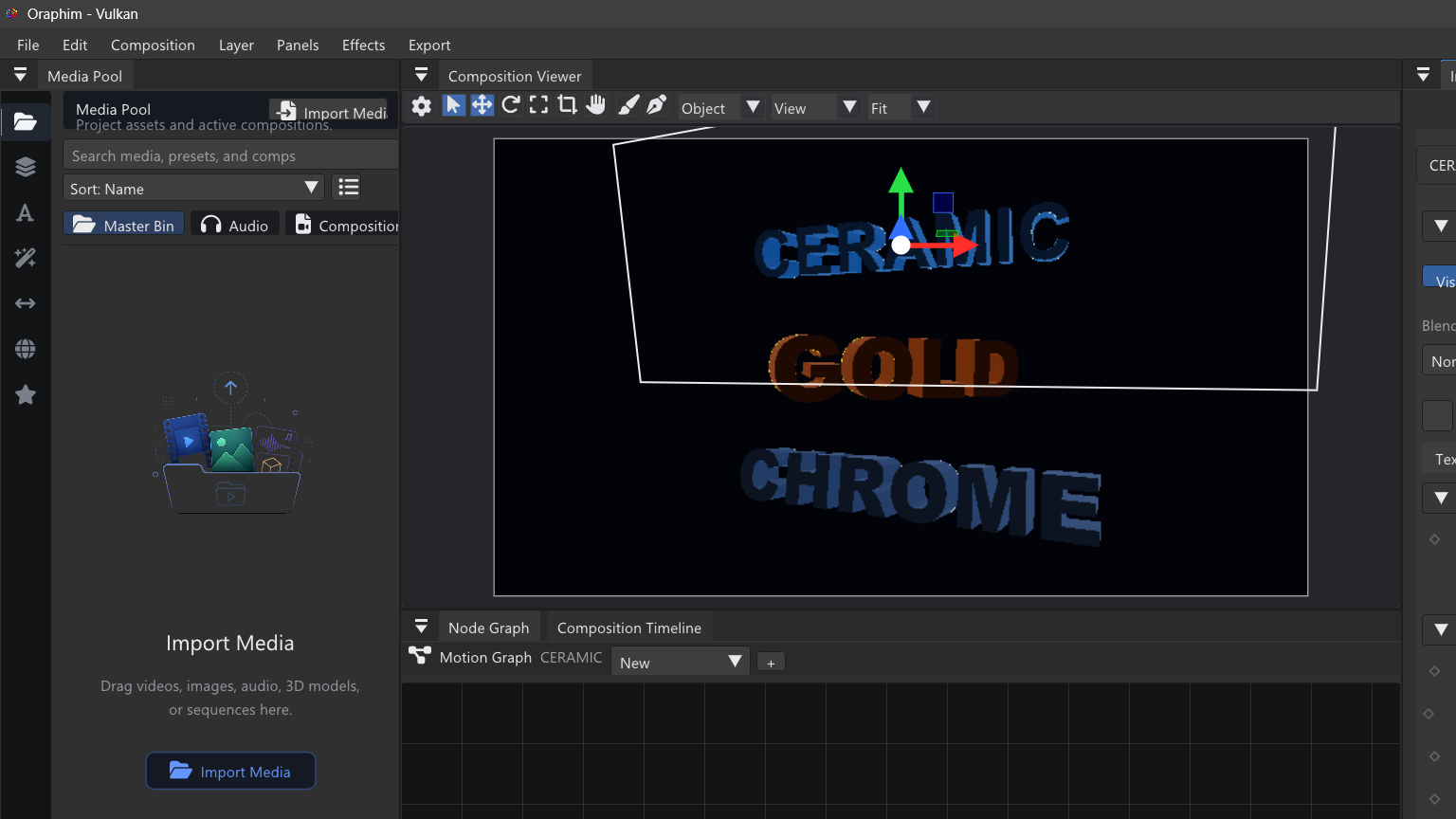
Use the project tutorials to move from Edit fundamentals into Composition, Color, VFX, AI-assisted work, and delivery.
Recommended learning path
- Complete first project — project creation, media import, Edit, save, Render Queue, and file verification.
- Create a YouTube video — longer-form editorial workflow from ingest to delivery.
- Create a polished vertical social ad — fast 9:16 pacing, motion graphics, effects, audio, color, and delivery.
- Build a lower third — editable typography, shapes, keyframes, and reuse.
- Create a cinematic 3D title — 3D text/materials, lights, camera movement, atmosphere, and mastering.
- Color-grade a sequence — scopes, primary balance, nodes, secondary corrections, and review.
- Edit a podcast — dialogue-first editing, audio cleanup/balance, and visual assembly.
- Create a VFX composite — plate, masks/mattes, layered effect integration, and render checking.
- Build a procedural energy VFX shot — node graph, fields/motion, trails/particles, light integration, and optimization.
- AI-assisted workflow — local AI and/or MCP-assisted authoring with permissions and human review.
How to use the projects
Do not copy settings blindly. Frame rate, dimensions, exposure, audio level, effect strength, simulation quality, and bitrate depend on the source and delivery target. Use the tutorial values as a controlled starting point, then judge the actual result.
For every exercise, save at least one milestone before the final polish pass. After export, review the file outside Oraphim from beginning to end. If the project uses 3D, AI, masks, tracking, simulations, or complex graphs, also save/reopen before treating the setup as reusable.