
VFX & 3D
Volumes & OpenVDB
Import sparse OpenVDB data and build fire, smoke, fog, clouds, and other volumetric effects with Oraphim's production volume renderer.
Updated August 28, 2026Volumes & OpenVDB
Oraphim includes a real sparse-volume pipeline: OpenVDB import, sparse field transport, source-driven volume effects, simulation/evolution, and production raymarch rendering. Use it for smoke, fire, fog, clouds, dust, atmosphere, and other participating-media effects.
Visual reference
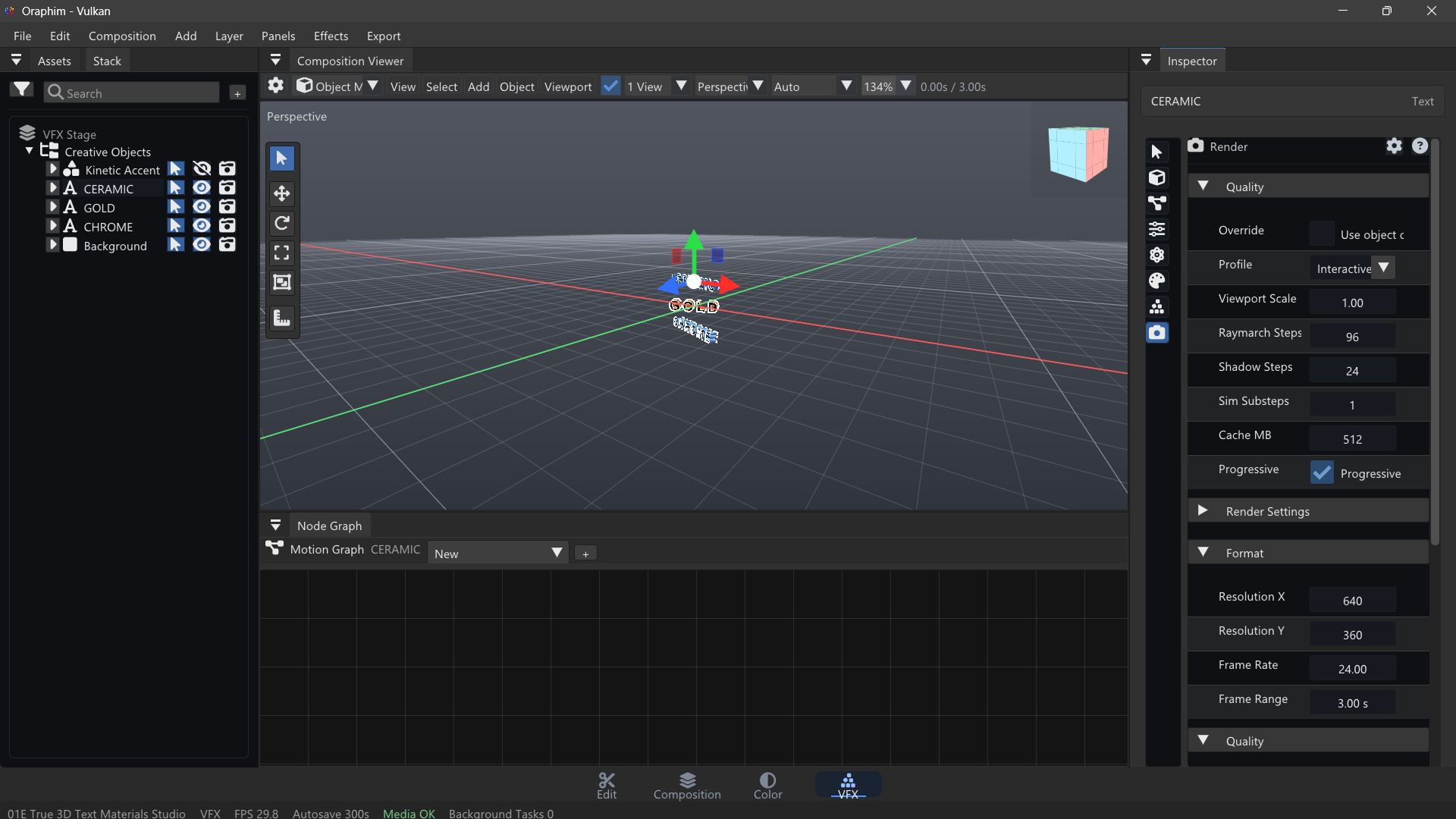
For volumes, test density and lighting on a short frame range before committing to expensive full-resolution renders.
OpenVDB import
Import .vdb assets through the supported volume/geometry path. Oraphim preserves sparse grids, transforms, metadata, channel provenance, and multi-grid payloads instead of converting every volume to a dense placeholder.
After import, verify grid names and transforms before shading. A VDB that is technically loaded can still appear missing if its transform or camera framing puts the data outside the visible stage.
Simulated/source-driven volumes
The volume path supports density, temperature, fuel/emission, velocity, advection, pressure projection, dissipation, diffusion, cooling, buoyancy, turbulence, and source reinjection. Fire and atmospheric families use the same production volume foundation rather than a separate preset-only renderer.
Quality controls
Volume rendering is expensive. Tune shape and timing at low cost first. Increase raymarch steps, shadow steps, simulation substeps, and cache quality only after the motion and framing are correct. A representative 10-20 frame test range is far more useful than waiting for a full-quality shot whose timing is wrong.
Example: smoky fire source
Create or import a source shape, route it into a fire/smoke volume system, establish emission and buoyancy, then add turbulence only after the primary rise direction is believable. Light the volume against a background with enough contrast to judge both density and emission. Test the beginning, middle, and end of the shot before final quality.
Verification
Render the same representative frames twice and confirm stable output. Save/reopen and check that source bindings, volume settings, and cache state remain valid. Look for clipped bounds, disappearing grids, stepping/banding from insufficient raymarch quality, excessive noise, and preview settings accidentally used as final-quality settings.