
VFX & 3D
VFX & 3D
Use Oraphim's VFX stage, 3D scene import, materials, cameras, lights, procedural graphs, simulations, and OpenVDB volumes.
Updated August 27, 2026VFX & 3D
Oraphim's VFX workspace is for work that benefits from a stage, procedural graph, 3D objects, simulations, volume data, camera/light relationships, or render-specific controls. Keep ordinary cuts and clip timing in Edit; move into VFX when the shot actually needs these systems.
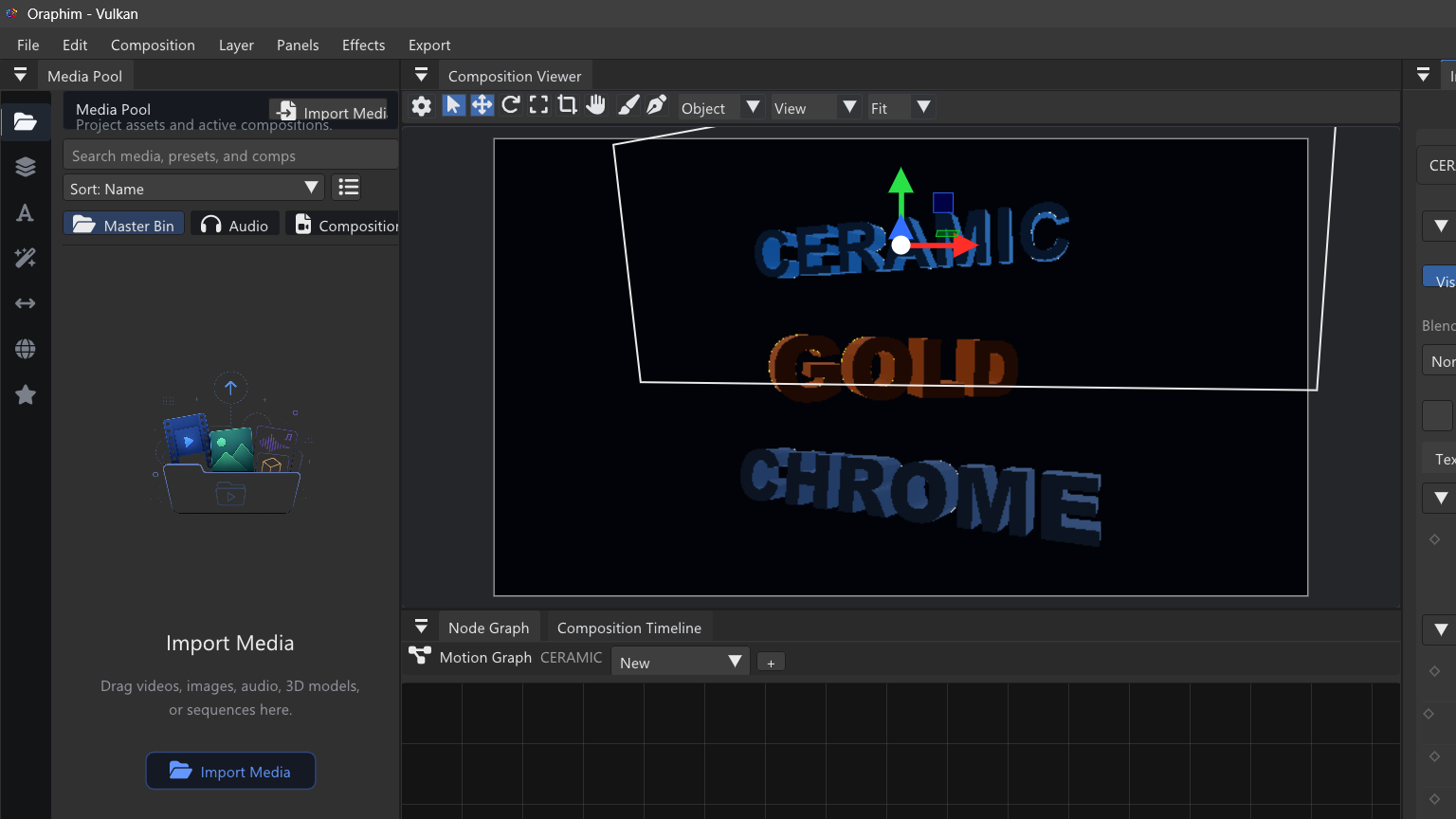
What is available
- Editable 3D scene import for OBJ, FBX, glTF, and GLB.
- PBR material and texture preservation, including UV data and supported advanced glTF material properties.
- 3D cameras, lights, mesh layers, geometry and renderer nodes.
- Procedural object/effect systems, particles, fields, trails, distortion, fire, smoke, atmosphere and other certified effects.
- Real OpenVDB import, sparse volume data, volume simulation/evolution, and production raymarch rendering.
- Composition/VFX handoff without forcing a render-and-reimport loop for every intermediate step.
A production-safe build order
- Establish the plate, composition dimensions, frame rate, duration, and final camera.
- Add one object or system and confirm it is visible before adding more complexity.
- Name important objects/nodes and keep the graph readable.
- Build motion and timing at low simulation/render quality.
- Add materials, lighting, atmosphere, and secondary effects after composition is stable.
- Test a short representative range before raising raymarch steps, shadow quality, particle density, substeps, or cache size.
- Save, reopen, and render the final range; do not certify a complex setup from the interactive viewer alone.
Learn this section in order
Start with 3D scene import, then materials, cameras & lights, procedural graphs, and finally volumes & OpenVDB. The worked VFX project in Step-by-step Projects combines those ideas into one shot.