
VFX & 3D
Procedural graphs
Build readable VFX node graphs with explicit inputs, typed connections, editable parameters, and render verification.
Updated August 28, 2026Procedural graphs
Procedural graphs describe how sources, geometry, fields, effects, simulations, and render outputs relate. The graph is most useful when it remains understandable six weeks later, not when it has the largest possible node count.
Visual reference
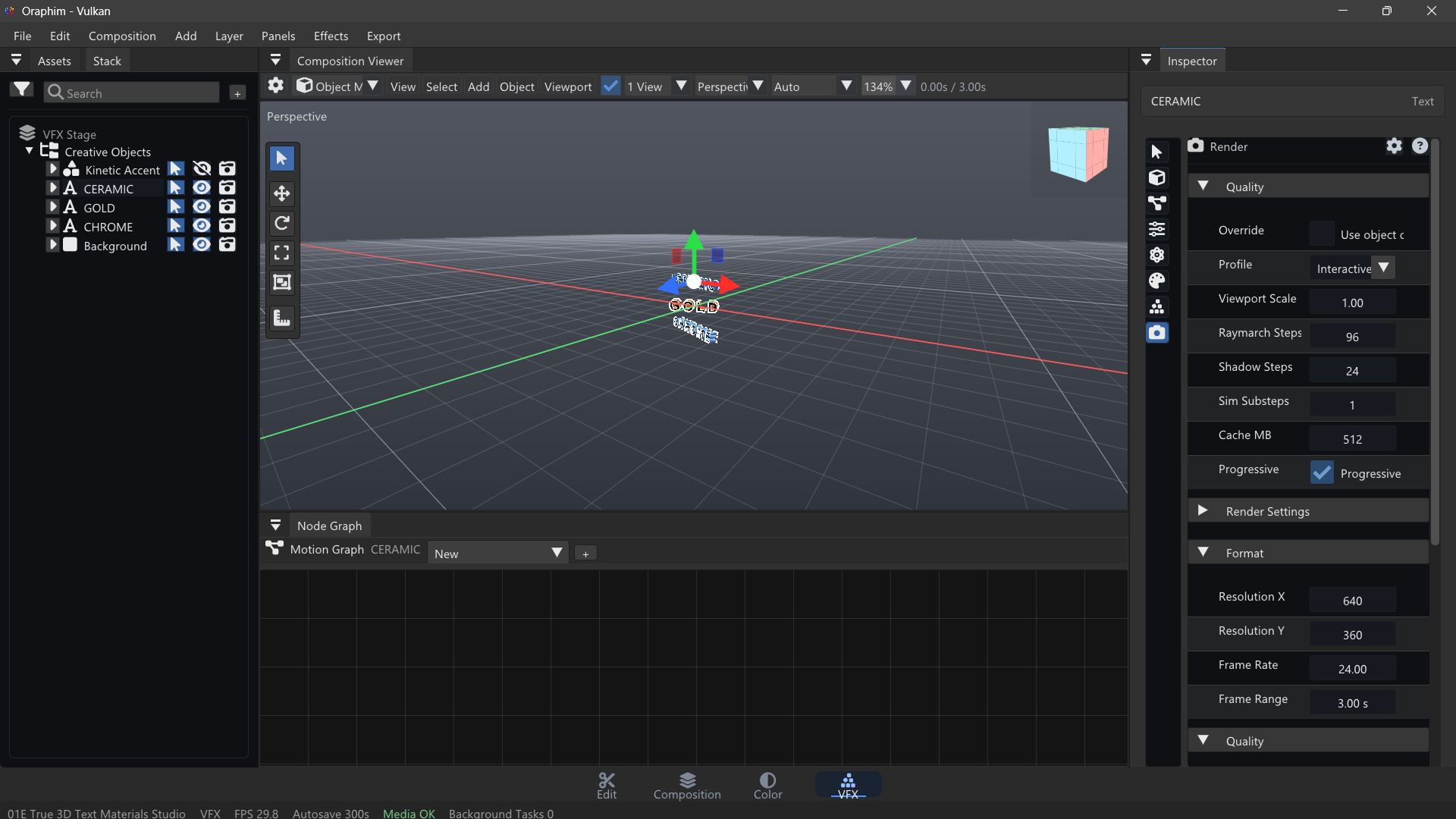
Keep procedural graphs readable enough that inputs, simulation logic, and render output can be inspected independently.
Build from the output backward
Start with a visible source and a renderer/output. Insert one operation at a time between them. After every structural change, confirm the graph still validates and the viewer still produces the expected image.
Keep independent concerns in branches: geometry generation, deformation, shading, particles/volumes, and final render assembly should be readable as separate stages where possible. Name important nodes and avoid crossing wires simply to make a graph look dense.
Typed connections
Oraphim's production graph uses typed scene/geometry/render sockets. If a connection is rejected or produces no result, check that the upstream node publishes the data type the downstream node expects. Do not work around a type mismatch by adding arbitrary nodes; fix the actual data flow.
Parameter animation
Animate the smallest meaningful set of parameters. For example, a procedural energy effect may need intensity, spread, and timing—not every noise control keyed on every frame. Establish the main motion first, then add secondary variation.
Example: procedural energy trail
Create a source object, generate or sample points, feed them into a motion/field operation, add a trail or glow treatment, then route the result through the appropriate renderer. Animate source motion over 4 seconds. Keep preview density modest until timing feels correct, then raise quality for the final render.
Verification
Save, reopen, scrub from frame 0 through the end, and render a short range. Watch for disconnected branches, parameters that reset, node identities changing after duplication, and preview-only behavior that does not survive export. Complex graphs should be versioned before major rewires.