
Step-by-step projects
Create a polished vertical social ad
Build a 9:16 social edit with fast pacing, editable motion graphics, controlled effects, clean audio, color, and a verified H.264 delivery.
Updated August 28, 2026Create a polished vertical social ad
Goal
Create a 15-second 1080×1920 vertical spot that feels intentionally edited rather than like a pile of effects. You need three short clips, a logo or product image, one music track, and two text messages.
Build the edit
Create a 1080×1920 timeline at the required source/delivery frame rate. Put the strongest visual in the first second, establish the product/context by about 3 seconds, build the middle around two or three clear beats, and reserve the final 2-3 seconds for the call to action.
Cut on motion or musical accents, but leave enough visual time for text to be read. Use speed or transitions only where they improve continuity.
Motion graphics
Create editable Composition graphics for the opening hook and final CTA. Keep primary text inside safe margins, use one strong type hierarchy, and animate position/scale/opacity with a small number of well-shaped keyframes. Easy Ease is a starting point; refine timing rather than adding unnecessary keyframes.
Effects
Choose one visual language. For energetic material, a restrained combination such as Motion Trails/Zoom Streak plus a brief RGB/Light effect can work. Do not stack every social preset. Bypass the effect stack and ask whether the edit still works without it; if not, fix timing first.
Audio and color
Set dialogue or important source audio first, then music underneath it. Use fades at hard music boundaries. In Color, balance exposure/white balance shot-to-shot before adding a stronger look. Use scopes to keep highlights and saturation controlled.
Export
Render an H.264 review/delivery file at 1080×1920, using the timeline frame rate. Watch the exported file on a normal player and, if the campaign is phone-first, inspect it on a phone before approval.
Final QC
Check first-frame impact, text readability, cuts at normal speed, no accidental black frames, music start/end, final CTA duration, correct vertical orientation, and the exact exported duration.
Example project and visual checkpoint
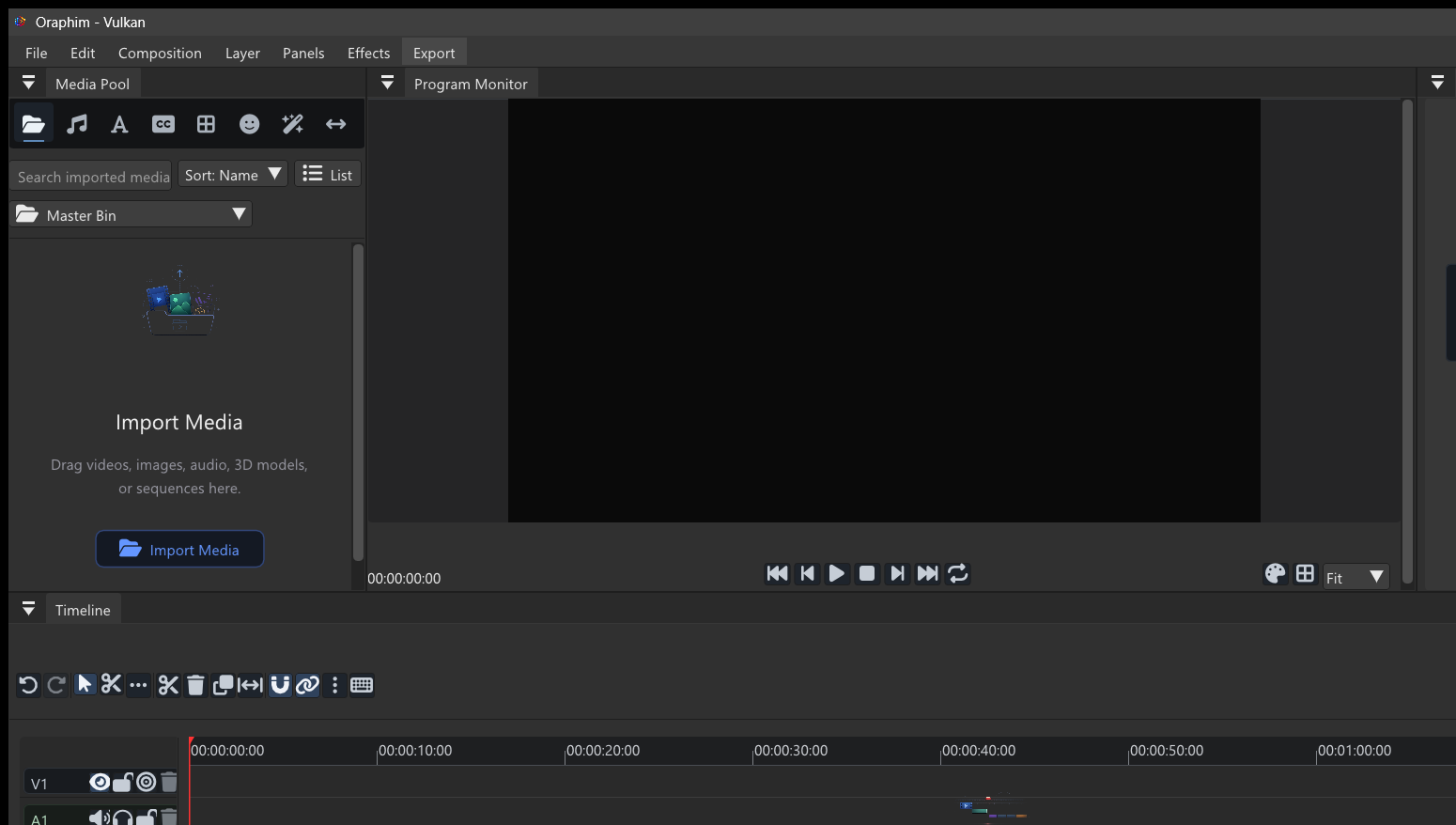
Use a 15-second vertical piece with a product or subject reveal, one supporting detail shot, a short text callout, and a final brand/message frame. Keep essential text away from crowded edges, make the first seconds understandable without explanation, and check the export on a phone-sized preview before delivery.
Quality check: play or preview the finished section at normal speed, inspect one representative frame at useful zoom, and confirm that the result still works after reopening the project. If the tutorial ends in delivery, export a short test before committing to the final render.